Download the bonus77 App — Play Anywhere on Android
The official bonus77 App puts over 5,000 games, live sports odds and fast RM withdrawals in your pocket. Free to download, no account fees. Works on Android 9.0 and above.
Get the bonus77 App
Download the APK file directly from bonus77. No third-party app stores, no redirects — just tap the button and the file saves to your device.
Download bonus77.apkScan with your Android camera to go straight to the download page. Works on all major Android browsers.
| Detail | Information |
|---|---|
| App Version | 3.9.11 |
| File Name | bonus77.apk |
| File Size | 28 MB |
| Minimum Android Version | Android 9.0 (Pie) or above |
| Last Updated | 11 November 2026 |
| Price | Free |
| Supported Languages | English · Bahasa Melayu |
| Platform | Android (APK sideload); iOS via browser shortcut |
iOS users cannot install APK files. See the Add to Home Screen section below for the browser shortcut method.
How to Install the bonus77 App on Android
Android blocks APKs from unknown sources by default — this is a one-time setting you change in your phone's security menu. The whole process takes under two minutes.
-
01
Allow Installation from Unknown Sources
Open your phone's Settings, go to Biometrics and Security (or Privacy on some devices), then tap Install Unknown Apps. Find your browser or file manager in the list and toggle it on. This tells Android it's fine to install files you download yourself — it does not lower your phone's overall security for other apps.
-
02
Download the APK File
Tap the Download APK button on this page. Your browser will save bonus77.apk (28 MB) to your Downloads folder. Wait for the progress bar to complete before proceeding — a partial download will cause the install to fail. On slower mobile data connections this may take 30–60 seconds.
-
03
Open the Downloaded File
Pull down your notification shade — you should see a "bonus77.apk downloaded" notification. Tap it to open the file, or use your Files app and navigate to Downloads. Android will launch the package installer screen, which shows the app name, icon and the permissions it requests before you confirm.
-
04
Tap Install and Wait
On the installer screen tap Install. Android will unpack the app — this usually takes 10–20 seconds. Do not press the back button or lock your screen mid-install. Once finished you will see an "App installed" message. The bonus77 icon will appear on your home screen and in your app drawer automatically.
-
05
Log In or Register Your Account
Open the bonus77 App and tap Log In if you already have an account, or Register to create one in under two minutes. New members can claim the 100% welcome bonus up to RM425 directly inside the app. Minimum deposit is RM25 via Touch 'n Go eWallet, DuitNow, FPX or bank transfer.
Security reminder after install
Once you have finished installing, it is good practice to go back to Settings → Install Unknown Apps and toggle the permission off again for your browser. The bonus77 App is already on your phone — you will not need that setting again until the next update.
iPhone & iPad: Get a Shortcut That Feels Like an App
Apple's App Store does not host the bonus77 App, but Safari's "Add to Home Screen" feature creates a full-screen shortcut that opens like a native app — no browser chrome, no address bar.
-
1
Open Safari on your iPhone or iPad and navigate to bonus77.my. You must use Safari — Chrome and Firefox on iOS do not support this feature.
-
2
Tap the Share button (the box with an arrow pointing upward) at the bottom of the Safari toolbar. On iPad it appears at the top-right corner.
-
3
Scroll down the share sheet and tap Add to Home Screen. If you don't see it immediately, swipe up in the share sheet — it's there.
-
4
Change the name to bonus77 if you like, then tap Add in the top-right corner. The icon will appear on your home screen. Tap it to open the site in full-screen mode.
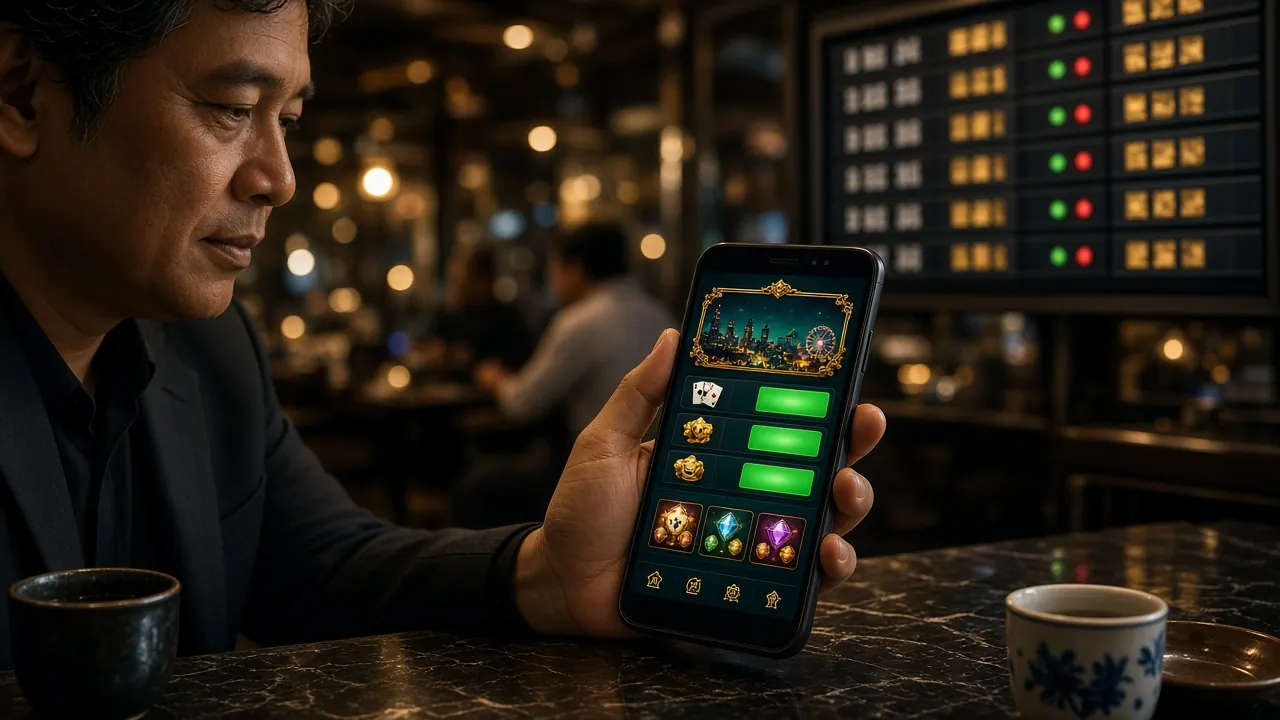
Does the App Do More Than the Website?
Both the bonus77 App and the mobile browser give you access to the full game library — but the app has a few practical advantages worth knowing before you decide.
| Feature | bonus77 App | Mobile Browser |
|---|---|---|
| Game library access | All 5,000+ games | All 5,000+ games |
| Live casino tables | Full access, optimised video | Full access |
| Sports betting | Live odds, one-tap bet slip | Available |
| Push notifications | Bonus alerts, match reminders | Not available |
| Loading speed | Faster — assets cached locally | Depends on network |
| Touch 'n Go deposit | In-app deep link to eWallet | Redirect to browser |
| Deposit & withdrawal | Full — RM25 min deposit, RM40 min withdrawal | Full — same limits |
| Withdrawal processing | 25 minutes average | 25 minutes average |
| Account management | Profile, KYC upload, limits | Profile, KYC upload, limits |
| Auto-login | Saved credentials, biometric support | Browser password manager only |
| Live chat support | 24/7 in-app chat | 24/7 chat widget |
| Installation required | Yes — one-time APK install | No — open and play |
Financial limits are identical whether you use the app or browser. The app's main advantage is speed, push notifications and the smoother Touch 'n Go payment flow.
What the bonus77 App Accesses on Your Phone
The app requests only the permissions it needs to function. Here is what each one does and why it is there.
Internet Access
Required to connect to bonus77 game servers, load live tables, process deposits via DuitNow and FPX, and reach the 24/7 live chat. The app will not function without an active connection. No data is sent when the app is closed.
Camera (Optional)
Only activated if you choose to upload your identity document (NIC, passport or driving licence) during KYC verification. The app never accesses your camera in the background or during gameplay. You can also upload photos from your gallery instead.
Storage Read Access
Needed to let you pick photos or documents from your gallery during KYC. It is also used to cache game assets locally so that slots and live tables load faster on subsequent visits. Cached files are stored in a sandboxed app folder — not accessible to other apps.
Push Notifications (Optional)
Allows bonus77 to send you alerts about reload bonuses, referral rewards and live match kick-off times. This permission is entirely optional — you can decline it on first launch or disable it at any time under Settings → Notifications → bonus77 without affecting gameplay or withdrawals.
File is scanned and signed
The bonus77.apk file is served over HTTPS with a valid SSL certificate and is code-signed by the bonus77 development team. If your antivirus flags it, this is a common false positive for financial apps distributed outside the Play Store. You can verify the file hash on the About Us page or contact 24/7 live chat for confirmation.
Everything You Can Play Inside the App
The bonus77 App carries the same full lobby as the desktop site — over 5,000 titles from KA Gaming, Ezugi, PG Soft, Playtech and Red Tiger. Here are the six main categories.
Slots & Arcade Slots
The largest category on bonus77 — hundreds of titles including Fortune Gems 2, Monster Triple, Callbreak and Circle from PG Soft and Red Tiger. Minimum bet from RM0.10, with RTP figures displayed on each game card so you can compare before you spin.
Live Casino Tables
Ezugi and Playtech-powered live dealer rooms stream in HD directly through the app. Baccarat, roulette, blackjack and game-show tables run around the clock. The app's local caching means less buffering during peak hours compared to mobile browsers.
Sports Betting
Pre-match and in-play odds for football (EPL, La Liga, Champions League), badminton, basketball and more. The app's bet slip updates in real time — useful when odds shift during a live match. Minimum bet amount varies by market and event type.
Fishing Arcade Games
PG Soft's Relax Fishing is the most-played title in this category, with RTP of 95.0% and bets from RM0.10 up to RM1,000. Fishing games control well on touchscreen — the app's native touch input makes targeting smoother than a browser-based version.
Crash & Instant Games
Fast-paced multiplier games where you cash out before the curve crashes. Round times are under 30 seconds, making these popular for short sessions during commutes. Push notifications can alert you to promotional multiplier events when they go live.
Card Games & Lottery
Pool Rummy (PG Soft, RTP 97.6%), Pearls of Bingo (Red Tiger, RTP 97.8%) and Lucky Dragons (KA Gaming, RTP 97.4%) are the top picks here. Card game controls are redesigned for smaller screens — tap-to-select replaces hover-to-highlight on desktop.


Fixing Common Install Problems
Most install failures have a simple cause. Check the table below before contacting live chat — the fix usually takes under a minute.
| Problem | Likely Cause | How to Fix |
|---|---|---|
| "Install blocked" message appears | Unknown sources permission not enabled for your browser or file manager | Go to Settings → Biometrics and Security → Install Unknown Apps. Find your browser in the list and toggle it on. Then try opening the APK file again from your Downloads folder. |
| File won't open after download | Download was interrupted or the file is incomplete — common on weak mobile data | Delete the partial file from your Downloads folder, reconnect to a stable Wi-Fi network, and re-download from this page. Check the file size is 28 MB before attempting to install. |
| "App not installed" error after tapping Install | An older version of the bonus77 App is already on your device and is conflicting | Go to Settings → Apps → bonus77 and uninstall the existing version first. Then run the new APK installer. Your account data is stored server-side so nothing is lost when you reinstall. |
| App installs but crashes on launch | Device is running Android 8.x or earlier, which is below the minimum requirement of Android 9.0 | Check your Android version under Settings → About Phone → Software Information. If it is below 9.0, use the mobile browser version of bonus77 instead — it supports all the same games and payment methods. |
| Games load slowly or freeze inside the app | Insufficient free storage space — the app needs at least 150 MB free to cache game assets | Clear some storage on your device (Settings → Storage → Free Up Space). Inside the bonus77 App you can also go to Settings → Clear Cache to remove old game data and start fresh without reinstalling. |
Still stuck? The bonus77 24/7 live chat team can walk you through any install issue in real time — available directly from the app after a successful install or from the website.
Download the bonus77 App for Android
One tap to get 5,000+ games, live odds and fast RM withdrawals — straight from our servers, no app store needed.
-
Instant deposit & withdrawal Top up via Touch 'n Go eWallet, DuitNow or FPX in under 3 minutes. Withdrawals processed in 25 minutes on average.
-
5,000+ games in one place Slots, live casino, fishing arcade, crash and card games from PG Soft, Playtech, Ezugi, Red Tiger and KA Gaming.
-
Bonus alerts & live odds Get notified the moment a reload bonus or cashback offer drops. Follow live sports odds without switching apps.
-
SSL-secured, Android-native Built for Android 9.0 and above. The 28 MB APK installs in under two minutes and receives silent background updates.
Scan with your Android camera to go straight to the download page. Works on all major Android browsers.
Questions About the bonus77 App
Is the bonus77.apk file safe to download and install?
Yes. The bonus77.apk is served directly from the bonus77.my domain over HTTPS with a valid SSL certificate. The file is code-signed by the development team, so Android can verify it has not been tampered with. If your phone's Play Protect scanner shows a warning, this is a standard caution for any app installed outside the Play Store — it is not an indication of malware. You can verify the file hash via 24/7 live chat. Never download the APK from third-party sites claiming to offer a "bonus77 download" — only use this page.
How do I update the bonus77 App to a newer version?
When a new version is available, the app will show an in-app banner with an Update Now button. Tapping it brings you back to this page to download the latest APK. The install process is identical to the first time — Android will update the existing app without deleting your saved login or settings. You do not need to uninstall first unless you are downgrading from a beta build. The current version is 3.9.11, released 11 November 2026.
Can I install the bonus77 App on an iPhone?
APK files only work on Android. iPhone and iPad users cannot install the APK. However, the bonus77 website is fully optimised for iOS Safari — you get the same game library, the same deposit and withdrawal limits, and the same 24/7 live chat. For the closest app-like experience, use the Add to Home Screen method described in the iOS section above. This creates a full-screen shortcut that opens without browser chrome, making it feel very close to a native app.
Do I need a separate account for the app, or is it the same as my website login?
It is the same account. Your bonus77 username, password, wallet balance, bonus history and VIP tier are stored on the server — they are identical whether you log in through the app, mobile browser or desktop. If you already have a bonus77 account, just enter your existing credentials when you open the app for the first time. If you are new, tap Register inside the app or visit bonus77 Register to create an account before downloading.
Can I deposit using Touch 'n Go eWallet through the app?
Yes — Touch 'n Go eWallet, DuitNow, FPX Online Banking and bank transfer are all available inside the bonus77 App. Deposits are processed in around 3 minutes. The minimum deposit is RM25. The app uses a deep link to open your Touch 'n Go eWallet directly, which is faster than the browser-based redirect flow. Withdrawals of at least RM40 process in approximately 25 minutes, up to a daily limit of RM11,000 for Classic-tier accounts.
How do I turn off push notifications from the bonus77 App?
Push notifications are optional and can be switched off at any time without affecting your account or gameplay. On Android, go to Settings → Apps → bonus77 → Notifications and toggle off the channels you do not want. Alternatively, open the bonus77 App, go to Account → Notification Settings and choose which alert types to keep — for example, you can keep withdrawal confirmations but turn off promotional messages. Disabling notifications has no impact on your ability to deposit, withdraw or play.
Does the bonus77 App work on Android tablets?
Yes. The bonus77 App is compatible with Android tablets running Android 9.0 or above. The interface scales to larger screens — game cards display in a wider grid and live casino tables make use of the extra screen real estate for dealer camera and betting controls. The install process is identical to a phone. Tablets with 1 GB RAM or more will run the app without performance issues. If your tablet runs a custom Android build (some budget brands use a modified Android 8.x), use the browser version instead.
Ready to Play on the Go?
Download the bonus77 App now and get access to over 5,000 games, live sports odds and fast RM withdrawals — all from your Android phone. New players can claim a 100% welcome bonus up to RM425 when they register and deposit.
Already have an account? Log in here.
18+ · Play Responsibly · Gambling should be entertaining, not a source of income.